
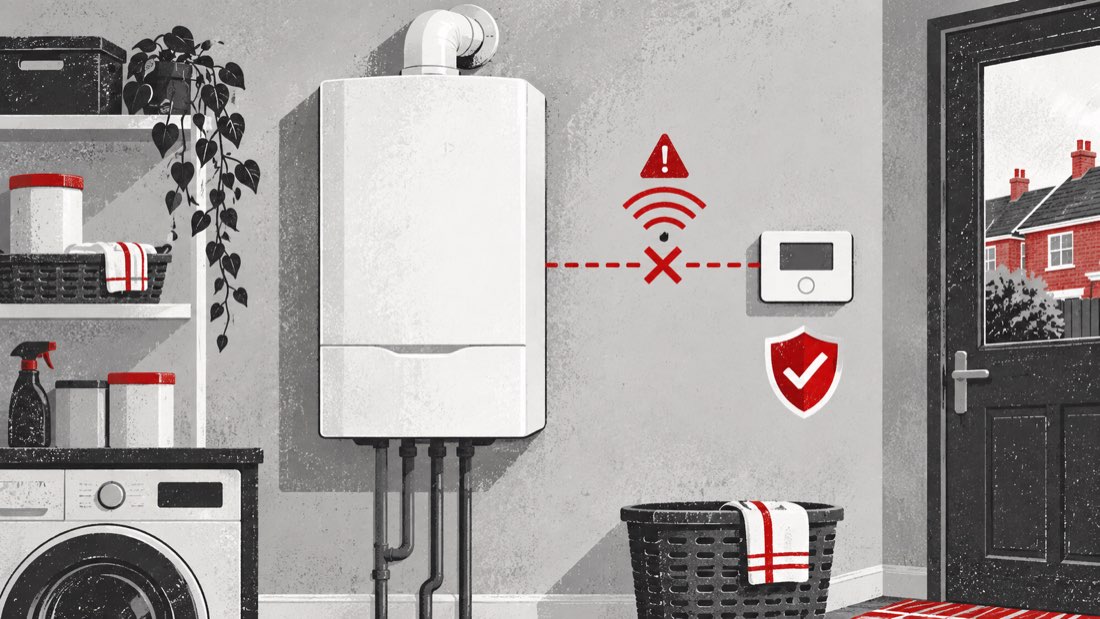
Baxi 600 System 2 E.02.47 fault code: external device connection unsuccessful
Baxi’s current error-code table lists E.02.47 as “Connection to external device unsuccessful” for the Combi & System 2 group, which includes the Baxi 600 System 2.
The message means the boiler has not established an expected connection with an external device. It does not identify the device, and it does not prove that the thermostat, boiler control, cable or boiler electronics have failed.
What “external device” can mean
Modern heating systems may exchange information with equipment outside the boiler. Depending on the installation, that could include a room control, smart thermostat, weather-related control or another compatible accessory.
Not every Baxi 600 System 2 has the same controls. The phrase “external device” therefore has to be interpreted in the context of the equipment actually fitted in your home. The display alone cannot say whether the issue is with a control, its power, the connection between devices, a configuration detail or something else.
That uncertainty is important. Buying a replacement thermostat or attempting to reconnect wires based only on E.02.47 can be costly and unsafe.
What you may notice at home
The boiler and heating may behave differently depending on which device is involved. You might notice:
- the heating does not start when the room control requests it;
- scheduled heating times are missed;
- a wall control or app appears offline;
- the boiler display shows E.02.47 continuously or intermittently;
- the heating runs differently from its normal schedule;
- the separate hot-water cylinder still heats, while room heating is affected;
- both heating and stored hot water are unavailable.
These are useful observations, not proof of a particular cause. A system boiler can also work with separate controls for heating and a hot-water cylinder, so tell the engineer exactly which service is affected.
Safe checks you can make
Keep all checks external. First, photograph the boiler display and note when E.02.47 appeared. Record whether it followed a power cut, internet outage, battery change, service visit or change to the heating controls.
Look at accessible control screens for obvious information such as a blank display, a low-battery symbol or an offline message. Replace user-changeable batteries only if the control’s own instructions clearly explain how to do so without removing wired covers.
Check the normal heating schedule and target temperature. A low setting or an “off” period can explain a lack of heat, but it does not remove the need to address E.02.47 if the code remains.
If a smart-control app is normally used, note whether the app can see its hub or thermostat. Do not delete devices, reset hubs, re-pair equipment or change advanced settings merely to clear the boiler code. Those steps can erase useful configuration and create another problem.
Do not remove wall controls, open wiring centres, touch terminals or take the boiler casing off.
Is this the same as a Wi-Fi problem?
Not necessarily. Some external controls use radio, a wired connection or a dedicated communication protocol rather than ordinary home Wi-Fi. Even when an app uses the internet, the boiler’s local connection to the heating control may be separate.
If household broadband is down, record that fact, but do not assume it caused E.02.47. Likewise, working Wi-Fi does not prove the boiler’s expected external-device connection is healthy.
A qualified engineer needs to identify the installed equipment and determine which connection the boiler is reporting.
Should you reset the boiler?
Use only the instructions in the user guide for your exact Baxi 600 System 2. If the guide permits a normal user reset for the displayed condition, carry it out once and record the result.
Do not repeatedly reset the boiler, switch it on and off in a loop or experiment with control combinations. If E.02.47 returns, remains displayed or the system does not operate normally, arrange professional help.
A reset can restart communication, but it cannot repair a damaged connection or correct an unsuitable configuration. A temporary disappearance of the code is still worth reporting.
Need the boiler repaired?
Your boiler fault is fixed for the agreed price, subject to eligibility and terms.
Why professional repair is appropriate
The engineer needs to identify which external device the boiler expects and how that device is intended to communicate. That depends on the controls and accessories installed in the property.
Some checks may involve electrical wiring, boiler connections or installer settings. Those areas are not suitable for homeowner investigation. Removing covers or altering terminals can create electrical risk, damage equipment and make the original problem harder to trace.
Give the engineer:
- a clear photo of E.02.47;
- the boiler model and any accessible control names;
- which heating or hot-water functions stopped;
- whether the issue is constant or intermittent;
- the timing of any power, internet or battery interruption;
- any recent work on the boiler or controls;
- what happened after a single permitted user reset.
This evidence is more useful than guessing which device has failed.
When the situation is urgent
E.02.47 is a connection message. It does not itself prove a gas leak or carbon-monoxide escape. Always respond to real warning signs separately.
If you smell gas, do not use electrical switches or naked flames. Open doors and windows if it is safe, leave the property and call the National Gas Emergency Service from outside on 0800 111 999.
If a carbon-monoxide alarm sounds, or anyone has headache, dizziness, nausea, weakness or confusion, move into fresh air, seek medical attention and arrange an urgent Gas Safe inspection. Do not use the boiler until it has been declared safe.
Smoke, scorching, a burning smell, water near electrical equipment or repeated tripping of electrical protection also requires prompt professional attention.
What not to do
Do not:
- remove the boiler casing or wired control covers;
- move, bridge or reconnect terminals;
- test voltage, resistance, polarity or continuity;
- delete or re-pair controls without the correct instructions;
- enter installer menus or alter communication settings;
- assume a thermostat or smart control must be replaced;
- repeatedly reset the boiler;
- copy wiring arrangements from an online video.
The code describes an unsuccessful connection, not the reason for it.
Quick Answers
What does Baxi E.02.47 mean?
Baxi defines E.02.47 as “Connection to external device unsuccessful” for the model group that includes the Baxi 600 System 2.
Which external device is faulty?
The code does not identify a device or confirm that any particular unit is faulty. The installed controls must be checked in context.
Can poor Wi-Fi cause E.02.47?
It is possible for internet availability to affect some smart features, but E.02.47 is not automatically a Wi-Fi fault. Boiler controls may communicate by other wired or wireless methods.
Can I reconnect the control myself?
Do not open wired controls, touch terminals or alter boiler connections. Safe checks are limited to screens, schedules, documented user-changeable batteries and observations.
Will heating and hot water both stop?
Either or both may be affected, depending on the external device and the system’s control arrangement. Record exactly what still works.
What should I tell the engineer?
Share the displayed code, control names, affected services, whether the problem is intermittent and any recent power, internet, battery or maintenance event.