
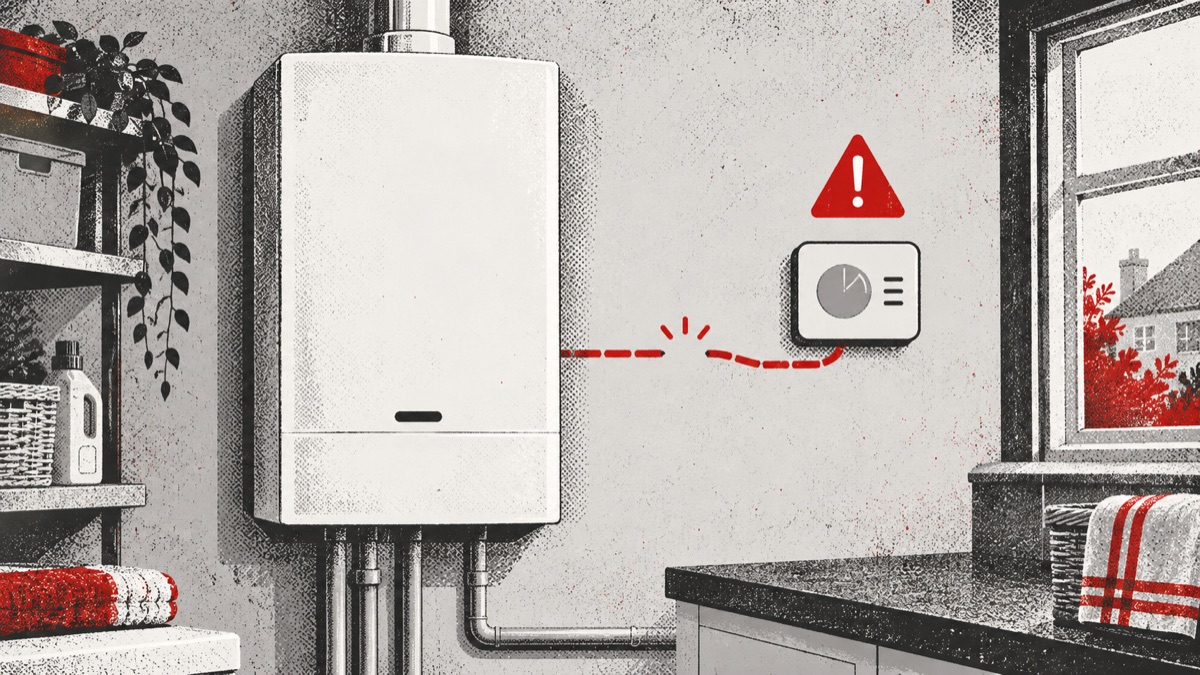
Baxi 800 System 2 A.02.36 warning: functional device disconnected
If your Baxi 800 System 2 shows A.02.36, Baxi defines the warning as “Functional device disconnected.” The boiler expected communication with a device that forms part of its configured system, but that connection or signal is not currently being detected as expected.
The wording is deliberately broad. It does not identify which device is involved, whether the device is physically unplugged, or which component has failed. Do not open the boiler, control units or wiring enclosures to investigate. Record what is and is not working, then arrange professional help if the warning remains.
What does “functional device” mean?
Modern boiler installations can include controls and accessories that exchange information with the boiler. Depending on the individual installation, these may influence heating demand, hot-water operation or another configured function. A.02.36 does not name the device, so it would be misleading to assume it refers to a thermostat, sensor or any one accessory.
Baxi lists A.02.36 for the Combi and System 2 group, which includes the Baxi 800 System 2. This model is designed to work with a hot-water cylinder and can also be used with compatible controls. The exact equipment fitted varies from home to home.
What you may notice
The boiler may continue to provide some heating or hot water, or a particular function may stop responding. A room control may not call for heat as expected, the cylinder may not reheat normally, or the warning may appear without an obvious immediate change. The result depends on which configured device or signal is missing.
Note whether the warning is constant or intermittent and whether another message appears at the same time. Do not assume that normal heating proves the warning is unimportant. A missing device signal can affect only one part of the system while others continue operating.
What can lead to A.02.36?
The code describes a missing functional-device connection, not its cause. An engineer may need to identify the installed equipment, compare it with the boiler configuration and test how information is being exchanged.
A configured device may not be communicating
A control or accessory expected by the boiler may not be sending the required information. That does not prove the device itself is faulty. Power, configuration, connections or another control issue can produce a similar result.
The installation setup may have changed
The warning may follow replacement controls, electrical work, a power interruption or alterations to the heating system. Timing is useful evidence, but only an engineer should review installer settings or change the configured devices.
A connection may need professional testing
Because A.02.36 uses the word “disconnected,” it can be tempting to look for loose wiring. Do not do this. Boiler and control wiring can involve mains voltage and safety-critical circuits. Leave terminals, continuity checks and electrical measurements to a competent professional.
Safe checks you can make
Keep checks to ordinary user controls and visible displays. Copy the full code exactly, then note whether the heating, stored hot water and room controls are working. If a separate control has a screen, record any visible message without removing it from the wall or opening its case.
- Confirm the programmer has power and shows the expected time and schedule.
- Check whether the room thermostat display is on.
- Record whether the cylinder is reheating and whether taps receive normal hot water.
- Note any recent power cut, electrical work or control replacement.
- Photograph visible warning messages for the engineer.
If a battery-powered room control has a user-accessible battery compartment, follow only its own user guide. Do not pair devices, bridge terminals, change polarity, enter installer menus or dismantle wired controls.
If the warning is accompanied by a room control that no longer calls for heat, our guide to a thermostat not communicating with a boiler explains safe checks such as confirming power and recording display messages.
Can you reset A.02.36?
Use only the normal homeowner controls described in the Baxi user guide for your exact model. If the guide permits a user reset, make one attempt. If the warning returns, stop resetting and arrange an engineer visit.
A reset can restart communication after a brief interruption, but it cannot correct damaged wiring, an incorrectly configured system or a failed device. Repeated resets also erase the useful timing pattern without resolving the reason the signal is missing.
When professional help is needed
Book a repair if A.02.36 remains, returns, or leaves the home without dependable heating or hot water. A qualified engineer can identify which equipment the boiler expects, check the installed controls and test the relevant connection safely.
Before the visit, note the exact boiler model, all visible control names, the functions affected and any recent work. Do not guess at the missing device. The boiler’s stored information and the actual installation will guide the investigation.
Is this a gas emergency?
A.02.36 is a device-connection warning and does not itself prove there is a gas leak. However, separate emergency signs always take priority. If you smell gas, avoid flames and electrical switches, leave the property and contact the National Gas Emergency Service.
If a carbon monoxide alarm sounds or anyone develops headache, dizziness, nausea, breathlessness, collapse or loss of consciousness, move into fresh air and seek urgent medical help. Do not use the boiler again until it has been checked and made safe.
Need the boiler repaired?
Your boiler fault is fixed for the agreed price, subject to eligibility and terms.
Quick answers
What does Baxi A.02.36 mean?
It means the boiler expected a configured functional-device signal but detected that the device was disconnected.
Which device is disconnected?
The code does not say. The installed controls and boiler configuration need to be checked before the device can be identified.
Can I reconnect it myself?
No. Do not open the boiler or wired controls, touch terminals or alter installer settings. Record visible information and arrange professional help.
Will the boiler still work?
Some functions may continue while another is affected. The behaviour depends on the device and how the system is configured.