
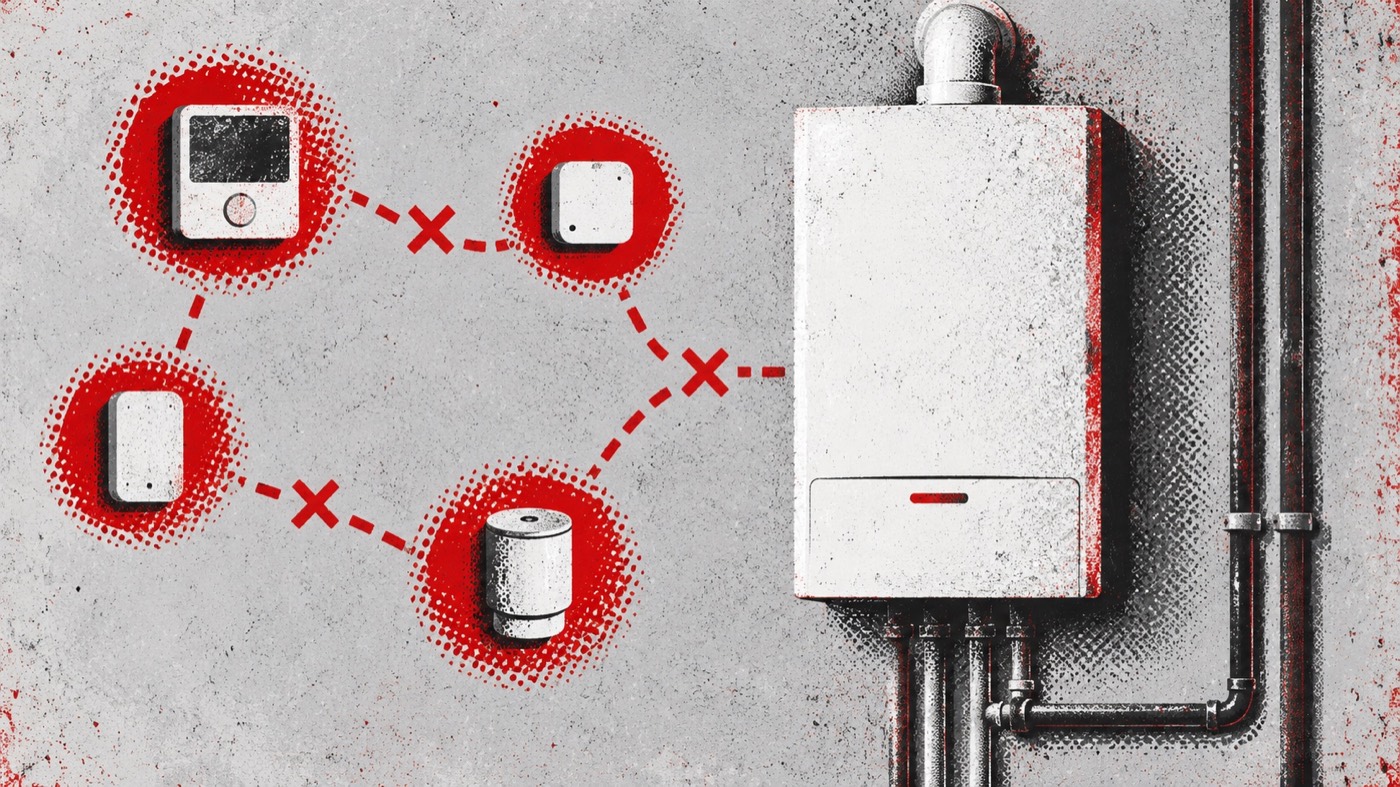
The Baxi A.02.49 code means “Failed node initialisation.” It is a technical controls message. In plain English, part of the boiler’s control system has not completed the start-up process it expected. Baxi’s public description does not identify which node is involved, so the display alone cannot name a failed device or component.
Write down the exact code, check your full boiler model and note whether heating and hot water are working. Keep the casing closed and avoid technical menus. If A.02.49 stays on the display or returns, it needs professional attention.
What does Baxi A.02.49 mean?
Baxi lists A.02.49 as failed node initialisation for its current Combi 2 and System 2 model group. “Initialisation” is the start-up process in which a control or connected element becomes ready to communicate and operate. A “node” is a technical term for an element within a control network.
That general explanation is useful, but it should not be taken further than the manufacturer’s published wording. The public error-code table does not say which node has failed to initialise, why it happened or which part should be changed. A qualified engineer must confirm those details on the exact boiler.
Which Baxi boilers can show A.02.49?
Baxi’s current table associates the code with Baxi 200, 400, 600 and 800 Combi 2 boilers, Baxi Assure 500 Combi 2, Baxi 600 and 800 System 2, and Baxi Assure 500 System 2. Similar-looking displays on older or different ranges may not have the same meaning.
Check the complete model name on accessible paperwork or an external product label. Do not remove a panel to find it. The model information helps an engineer select the correct manual and control information.
Why might failed node initialisation appear?
The code can be associated with the way technical controls start and communicate. It may appear after installation or commissioning, after control-related work, following replacement of a component, or after an interruption to the electrical supply. Those are possible circumstances rather than confirmed causes.
A.02.49 does not prove that a circuit board, controller, cable or accessory has failed. It also does not tell a homeowner which connection to inspect. Safe fault-finding depends on the model, installation arrangement, code history and trained tests.
What can you safely check?
You can gather helpful information without touching the boiler internally:
- Confirm the display reads A.02.49, including the dots and leading zero.
- Photograph the display if the message changes or alternates with another code.
- Record the full Baxi model name from paperwork or an accessible external label.
- Note whether heating, hot water or both are unavailable.
- Note whether the code followed installation, servicing, another repair or a power cut.
- Check only ordinary user controls described in the guide for your exact model.
Do not disconnect accessories to see whether the message disappears. Changing the installation can create a second problem and remove clues the engineer needs.
Can you reset a Baxi A.02.49 code?
If the user guide for your precise boiler model describes a normal homeowner reset, you can try it once. Different Baxi controls use different reset methods, so instructions for another model may not apply. If the code returns, remains on screen or the boiler does not resume normal operation, stop resetting and book a repair.
Do not select a factory reset, enter installer or commissioning menus, or alter parameters. Those actions are not the same as the everyday reset control and may change how the appliance is configured.
What should you avoid?
Do not remove the boiler casing or touch bus connections, wiring, plugs, circuit boards or other internal controls. Do not copy settings from another boiler or attempt to choose a node manually. There is no reliable homeowner test that can identify the affected node from A.02.49 alone.
Avoid ordering parts solely from an online code list. The correct repair follows inspection of the exact appliance and its control arrangement.
Is A.02.49 dangerous?
Baxi’s published wording describes a control-start-up problem; it is not listed as a gas-leak or carbon-monoxide warning. Even so, do not bypass a persistent code or continue restarting a boiler that behaves unusually.
If you smell gas, suspect carbon monoxide, feel unwell near the appliance or a carbon-monoxide alarm sounds, leave the property and follow current emergency advice. Do not wait for an ordinary appointment.
Who should fix a Baxi A.02.49 fault?
A suitably qualified Gas Safe registered engineer should investigate a persistent A.02.49 message. They can identify the exact model, assess the relevant controls safely and determine the repair required. Keeping a photograph of the display and a note of recent work or power interruptions can make the visit more efficient.
Need your Baxi A.02.49 fault fixed?
Book a fixed-price boiler repair aimed at fixing the fault, with the booking price clear before the visit.
Quick answers about Baxi A.02.49
What does A.02.49 mean?
Baxi defines A.02.49 as “Failed node initialisation.” A control-network element has not completed its expected start-up process.
Which node has failed?
The public Baxi fault description does not say. Do not assume it is a particular control, board or accessory.
Can I change the settings myself?
No. Avoid installer menus, configuration parameters and factory resets. Those are not homeowner controls.
Will turning the boiler off fix it?
A single model-approved reset may clear a temporary interruption, but a returning A.02.49 code needs professional attention.
Does A.02.49 mean the PCB must be replaced?
No. The code does not prove that the boiler PCB has failed. An engineer must test the appliance before deciding on parts.
What should I tell the engineer?
Provide the exact code, full model, heating and hot-water status, any other display messages and details of recent work or power interruptions.