
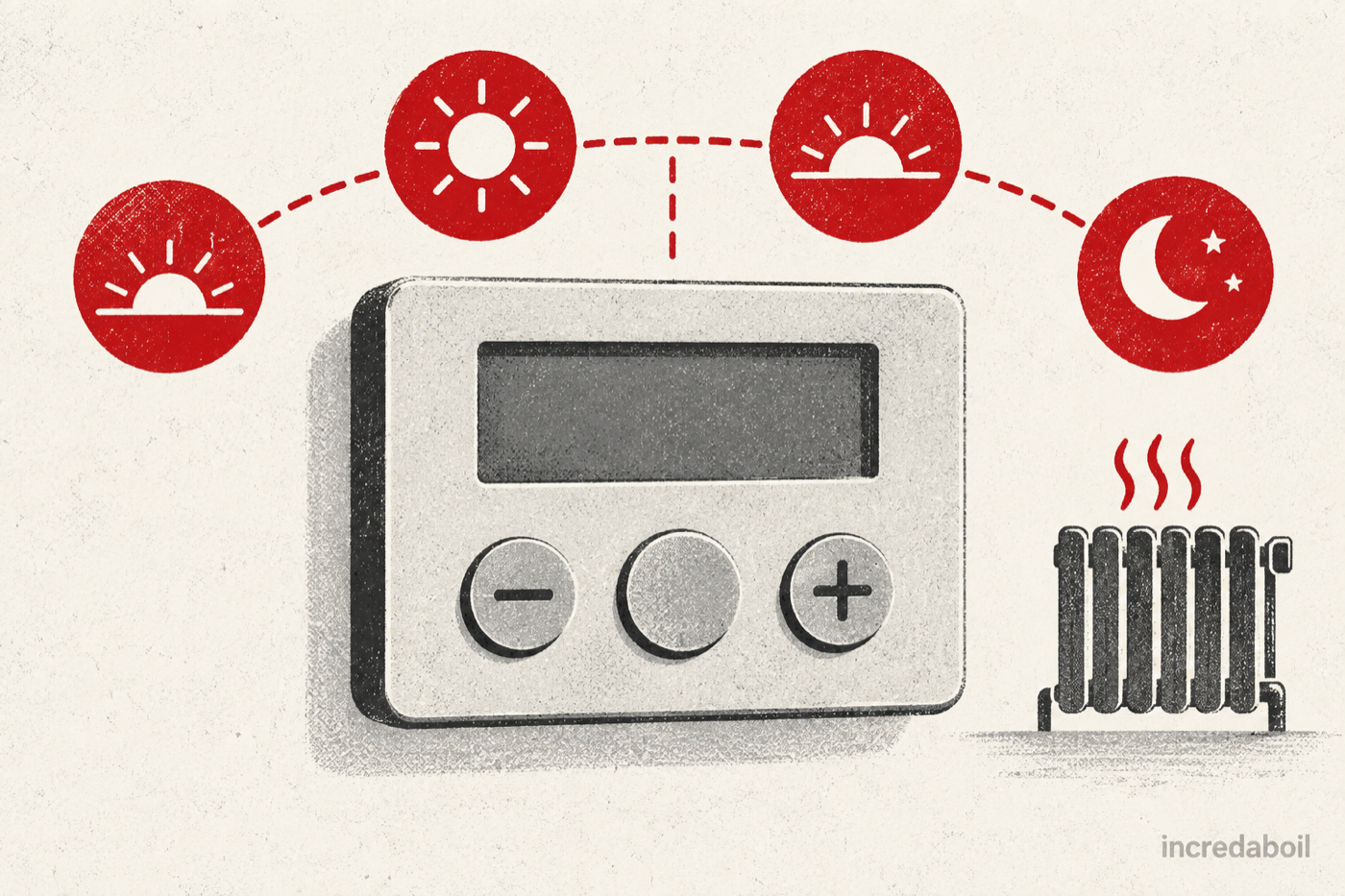
To programme a Drayton thermostat correctly, start by finding the exact model number. Drayton Digistat, Digistat+ and Wiser controls use different buttons and menus. Once you know the model, choose whether the household needs the same programme every day, a weekday/weekend pattern or a separate programme for each day.
A programmable room thermostat does more than switch the heating on and off. Each event combines a start time with a target room temperature. The heating runs only when the room is below that target and the rest of the system is able to respond.
First identify your Drayton control
Look for the product name on the front, behind the battery flap or in the user information left with the system. Do not remove a wired thermostat from the wall or open a receiver. Common families include Digistat RF902 and related current Digistat models, older Digistat+2RF or +3RF controls, and Wiser smart heating.
Drayton keeps current and discontinued user guides in its official documentation library. Match the full model rather than relying on a photograph: similar-looking thermostats can use different button sequences.
Choose the right programme type
Current Digistat guidance offers three common programme patterns:
- 24-hour: the same events repeat every day;
- 5-2 day: one set of events runs Monday to Friday and another runs at the weekend; and
- 7-day: each day can have its own events.
Use 24-hour mode when the routine barely changes. Use 5-2 when weekdays are similar but weekends differ. Choose 7-day only when the extra detail is genuinely useful. A simple programme is easier to understand when the home feels too cold or too warm.
Before changing anything
Photograph the existing schedule and check the clock. A correct programme with the wrong time will still operate at the wrong part of the day. Confirm that the control is in Auto mode; on current Digistat models the calendar symbol indicates automatic operation.
Write down the household routine: wake-up, leaving home, returning and bedtime. Decide on a comfortable occupied temperature and a lower target for unoccupied or sleeping periods. Consider babies, older people and anyone with a health condition before reducing temperatures.
Programming a current Drayton Digistat
The official RF902 quick guide describes this route for the current Digistat layout. If your buttons or screen differ, stop and use the guide for your exact model.
- Leave the thermostat operating normally in Auto mode.
- Press the programme button once.
- Use plus and minus to select the day or group of days, then press the round confirm button.
- When the first event time flashes, adjust it with plus and minus and confirm.
- When the temperature flashes, select the target and confirm.
- Repeat for the remaining time-and-temperature events.
- When SAVE flashes, press the confirm button to store the programme.
- Use the back control until the normal home screen returns and check that Auto mode is shown.
The standard programme provides four events. Drayton says supported current Digistat models can use up to eight events per day. At the SAVE screen, select Add when you genuinely need another event. More events are not automatically better; avoid creating several points that fight one another within a short period.
What an event actually means
If an event is set for 06:30 at 20°C, the thermostat begins controlling to 20°C from 06:30. A later event at 08:30 and 16°C changes the target to 16°C. It does not force the boiler to run continuously between those times.
The flame symbol shows that the thermostat is requesting heat. It does not prove the boiler has fired. If the flame symbol appears but the boiler remains off, the receiver, wireless link, wiring or boiler may need diagnosis.
Changing between Auto, Manual and Off
On the current Digistat layout, Drayton instructs users to hold the cog button until USER 01 appears, select it with the confirm button, open Mode, then choose Auto, Manual or Off with plus and minus. Confirm the choice and return to the home screen.
Auto follows the programme. Manual maintains a chosen target until you change it. Off does not necessarily isolate the heating equipment; frost-protection behaviour may remain. Use the ordinary controls rather than switching power off when frost protection is needed.
Temporary temperature changes
In Auto mode, use plus or minus to change the target temporarily. Drayton says the override normally lasts until the next programmed event, when the programmed temperature returns. This is useful for an unexpectedly early evening or a room that feels cooler than usual.
If the same override is needed every day, edit the schedule instead. Repeatedly turning the target to a very high value will not make a correctly operating boiler or radiator heat faster.
Programming older Digistat+ controls
Older Digistat+2RF and +3RF products have their own button sequences and pre-set periods. Some use a set button and arrow keys rather than the current cog and round confirm controls. Download the precise guide from Drayton’s discontinued-products section and follow its programme steps exactly.
Do not factory-reset an older thermostat merely because the menu is unfamiliar. A reset can remove the time and programme and may create more work without fixing a receiver or boiler fault.
Programming Drayton Wiser
Wiser schedules are edited in the Wiser Home app. Drayton’s homeowner guidance says each room fitted with a Wiser device can have its own schedule. Open the room, choose its schedule controls, select Edit Schedule, then add or edit an event with a start time and target temperature.
Wiser supports copying a completed day’s schedule to other days and rooms. Drayton says up to eight events can be scheduled per day. The end of one event is determined by the start of the next, so review the sequence from morning to night.
A Wiser Boost temporarily raises the room target for a selected duration. It is not a permanent schedule change. The Follow schedule switch determines whether a room uses its timetable. If a deleted schedule appears to return, check whether the zone has reverted to its default schedule and whether Follow schedule should be on or off.
Why heating starts before the scheduled time
Some Drayton controls include an optimum-start or comfort feature. It can start heating before an event so the room reaches the target at the event time. Wiser Comfort Mode learns how quickly the home warms and may preheat accordingly.
If you expect the boiler to start at the displayed time, review the model’s optimum-start or Comfort setting. Change one feature at a time and observe the result over several comparable days.
Why the programme appears not to work
- The clock or day is wrong.
- The thermostat is in Manual or Off rather than Auto.
- A temporary override remains active until the next event.
- The next event changes the target sooner than expected.
- Wiser Follow schedule is disabled for that room.
- An early-start feature operates before the event time.
- The thermostat is already above the target, so it does not request heat.
- The thermostat requests heat but the receiver or boiler does not respond.
Check the mode, target, room temperature and heat-demand symbol in that order. This separates a programming issue from a heating fault.
What if the display is blank?
For a battery thermostat, use the battery type and replacement method specified in its manual. Replace the full set together and observe polarity. A mains-powered programmer or receiver should not be opened by a homeowner. If power is available elsewhere but the control remains blank, arrange an electrical or heating-controls assessment.
What if the thermostat calls for heat but nothing happens?
Record the heat-demand symbol, receiver lights, boiler display and any fault code. Do not open the receiver, wiring centre or boiler case. Wireless pairing, receiver output, zone controls or the boiler itself may need professional testing.
Check the thermostat’s room position
A schedule can be correct while the measured temperature is misleading. Drayton advises keeping a room thermostat away from unusual heat sources. A nearby electric fire, television, lamp, direct sun or a cold draught can make the control react to conditions that do not represent the room.
Do not move a wired thermostat yourself. Instead, compare its displayed room temperature with how the wider room feels and tell the engineer about nearby heat sources or draughts. For a portable wireless unit, keep it in the normal approved stand or wall position, with air able to circulate around it. Moving it beside a radiator to make the heating run is likely to create another control problem.
Frequently asked questions
How many periods can a Drayton Digistat use?
The current RF902 guide describes up to eight time-and-temperature events per day. Older models vary, so check the exact manual.
Why does my override disappear?
In Auto mode a temporary change normally ends at the next scheduled event.
Can weekdays and weekends be different?
Yes. Select 5-2 day mode, or use 7-day mode if individual days need separate schedules.
Does the flame symbol mean the boiler is running?
It means the thermostat is requesting heat. The boiler and heating system must still respond to that request.
Related boiler-help guides
- What is a smart thermostat?
- Thermostat says heating but the boiler is off
- Heating comes on at the wrong time
- How to programme a Nest thermostat
Controls set but heating not responding?
Book a fixed-price boiler diagnosis to check the controls and heating response.