
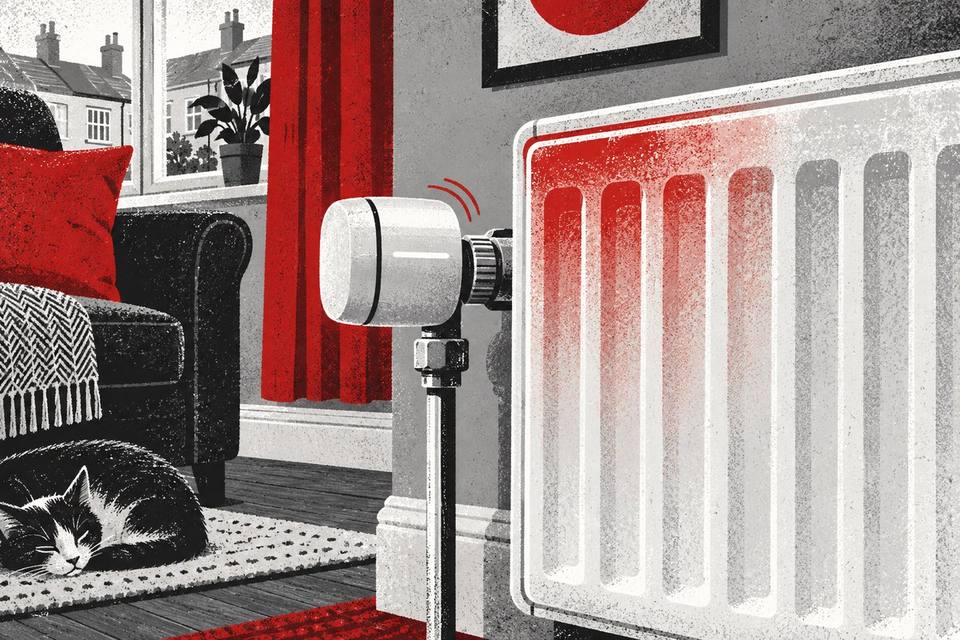
Why does a smart radiator valve click after the heating stops?
A brief click after the heating stops can be the smart radiator valve finishing a commanded movement, the valve pin reaching a new position, or ordinary pipe and radiator movement as the system cools. The timing alone does not prove a fault. What matters is whether the sound is a single short event or repeated struggling, whether the radiator then behaves as expected, and whether the app or valve shows an error.
Record the exact timing, whether the sound happens once or repeats, the room target, the app status and whether the radiator is warming or cooling. Check the manual for the exact smart valve before using any user reset or calibration function. Do not remove the head, force the valve pin, loosen the valve body or open the boiler to investigate.
A smart radiator valve contains a moving actuator
A conventional thermostatic radiator valve uses a mechanical sensor in its head. A smart radiator valve adds a small powered actuator. The control moves against the radiator valve pin to increase or reduce the flow of heating water through that radiator.
That movement is not always silent. A short motor sound, soft click or change in tone can occur as the actuator starts, stops or reaches its intended position. The exact sound varies between products, adapters and valve bodies, so a description from another brand is not a diagnosis for yours.
The smart head controls one radiator; it is not the boiler itself. Energy Saving Trust explains that thermostatic radiator valves regulate the flow of water through individual radiators according to the temperature around them. In a zoned smart system, a valve may also request heat, but the valve movement and the boiler’s burner stopping are still separate events.
“Heating stopped” can mean several different moments
The room may reach its target, the app may remove heat demand, the boiler burner may stop, a pump may continue briefly, and the radiator may then cool. Those events need not occur at precisely the same second.
A valve can therefore click after the homeowner thinks the heating has stopped because it is completing a closing movement or responding to a fresh temperature reading. A scheduled setback can also ask the valve to adopt a different position at the end of a heating period.
Write down which event you actually observed. “The flame symbol disappeared, then the valve clicked 20 seconds later” is more useful than “it clicks when off”. Do not rely only on the boiler sound from another room.
One brief click is different from repeated clicking
A single brief click followed by normal radiator behaviour may simply mark the end of actuator travel or a small movement in the valve or pipework. It is more reassuring when the room reaches its target, the radiator cools normally and no error is shown.
Repeated clicking, grinding or several attempts to travel deserve closer attention, especially if the radiator stays hot when it should reduce, remains cold during a confirmed demand, or the valve reports a calibration problem. Those symptoms can indicate that the actuator is not finding the position it expects, but they do not identify the underlying part from sound alone.
Do not hold the smart head while it moves or repeatedly command it open and closed to reproduce the noise. One ordinary operating cycle usually provides better evidence.
Calibration can make a valve move at an unexpected time
Smart heads need to learn the travel available on the valve beneath them. Tado describes calibration as the process used to determine the fully open and fully closed positions, with stored values that depend on the radiator valve. Danfoss likewise publishes model-specific calibration behaviour for its electronic radiator valves.
If a device has recently been fitted, had its batteries changed, been reset or been remounted, a movement may relate to calibration rather than the end of normal heat demand. Some products show a calibration message or error; others use lights, symbols or an app notification.
Follow only the manual for the exact model. Do not assume that a button sequence, adapter or calibration routine from a visually similar valve applies to yours. A factory reset can erase schedules and useful fault information.
Some products deliberately exercise the valve
Electronic radiator controls may periodically move the valve to reduce the chance of it sticking. For example, Danfoss documents a weekly valve-exercise function for its eco product. That is a product-specific example, not a universal schedule for every smart valve.
A click at a consistent day and time may therefore be worth comparing with the manufacturer’s documentation. Record the date, time and app history before changing the schedule. If the manual confirms an exercise routine and the radiator behaves normally, the sound may be expected.
If the event is new, much louder, repeated or accompanied by an error, do not dismiss it merely because a valve-exercise feature exists.
The click may travel through the radiator or pipes
A small movement at the valve can be heard elsewhere because metal pipework and the radiator can transmit sound. Cooling pipework also contracts, and a pipe moving slightly against a clip, floor opening or wall sleeve may produce a click close to the valve.
Our completed guide to a radiator valve clicking when the room reaches temperature explains how valve movement and cooling metal can overlap. The loudest point is not always where the sound began.
Do not put fingers behind a hot radiator or grip heating pipes to feel for movement. A wide video with sound is safer and often more useful.
Make a simple, fair record
- Note the smart valve make and exact model.
- Record the room target, displayed temperature and app status.
- Note whether the system was ending a schedule, reaching temperature or being turned down manually.
- Record when the boiler demand indication changed, if safely visible.
- Describe the sound as one click, several clicks, a short motor sound or repeated grinding.
- Note whether the radiator then warmed, cooled or stayed unexpectedly hot or cold.
- Capture any complete error message before clearing it.
- Repeat only during the next normal heating cycle if a comparison is needed.
A ten-second video that includes the valve and radiator can establish timing. Avoid placing the phone on the radiator, where heat and vibration may distort the recording.
Check batteries and user-visible fitting information
Low batteries can affect the ability of a powered actuator to move reliably, but the warning method and battery type are model-specific. Check the app or display and replace batteries only as the manufacturer directs. Do not mix old and new cells or substitute an unapproved rechargeable type.
If the head looks loose or recently fitted, stop short of dismantling it. Photograph the adapter and displayed message from the outside. Some smart heads are designed for user installation, while others form part of a professionally installed system. The valve body itself contains heating water and is not a routine electronic-accessory adjustment.
If a user-removable head is covered by the manual, follow that guide exactly. Otherwise ask the installer or product support team to check compatibility and mounting.
When the room behaviour points to a problem
Arrange advice when repeated clicking is paired with a radiator that will not reduce after the target is reached, will not warm during confirmed demand, or alternates unpredictably. Also seek help for recurring calibration errors, a visibly damaged head, liquid leakage, or a valve that is becoming markedly louder.
An app command can be delayed by wireless communication or cloud updates, so a short display delay is not proof of a stuck valve. Record the app time, valve indication and actual radiator response together.
Do not force the valve pin, apply lubricant, loosen the packing gland or remove the water-carrying valve body. Those actions can cause leakage or damage and are work for a competent heating professional.
When the boiler still matters
If several rooms overheat, the boiler keeps firing with no apparent demand, or the control receiver does not respond, the issue may extend beyond one radiator head. Give the engineer the smart-control arrangement, boiler status and timeline.
Do not remove the boiler case, bridge control terminals or change internal parameters. Work on a gas boiler and its safety-related components belongs with an appropriately qualified Gas Safe registered engineer.
A click at one radiator does not by itself show that the boiler needs a part. Diagnosis should connect the command, valve movement, radiator response and whole-system demand.
For landlords and managing agents
Record whether the smart valve was supplied with the property, who administers the app, when batteries were last changed and whether the tenant can control the room normally. Preserve error screenshots and access arrangements.
Do not ask a tenant to remove a valve head or recreate a fault repeatedly. If a room cannot be heated adequately or a radiator will not turn down, treat the comfort and energy impact as part of the repair priority.
Give the attending professional the exact product details rather than describing every electronic radiator control as the same system.
The practical conclusion
A smart radiator valve may click after heating stops because its actuator is finishing a movement, performing a documented calibration or exercise, or because nearby metal is cooling and moving. A single brief event with normal operation is different from repeated struggling with an error or poor temperature control.
Record the sequence, check the exact manual and leave mechanical valve work and boiler investigation to competent professionals. That keeps a small sound in proportion while ensuring a genuine control problem is not overlooked.
Smart valve clicking with poor heating control?
Keep the model, timing, app status and radiator response ready for the repair team.