
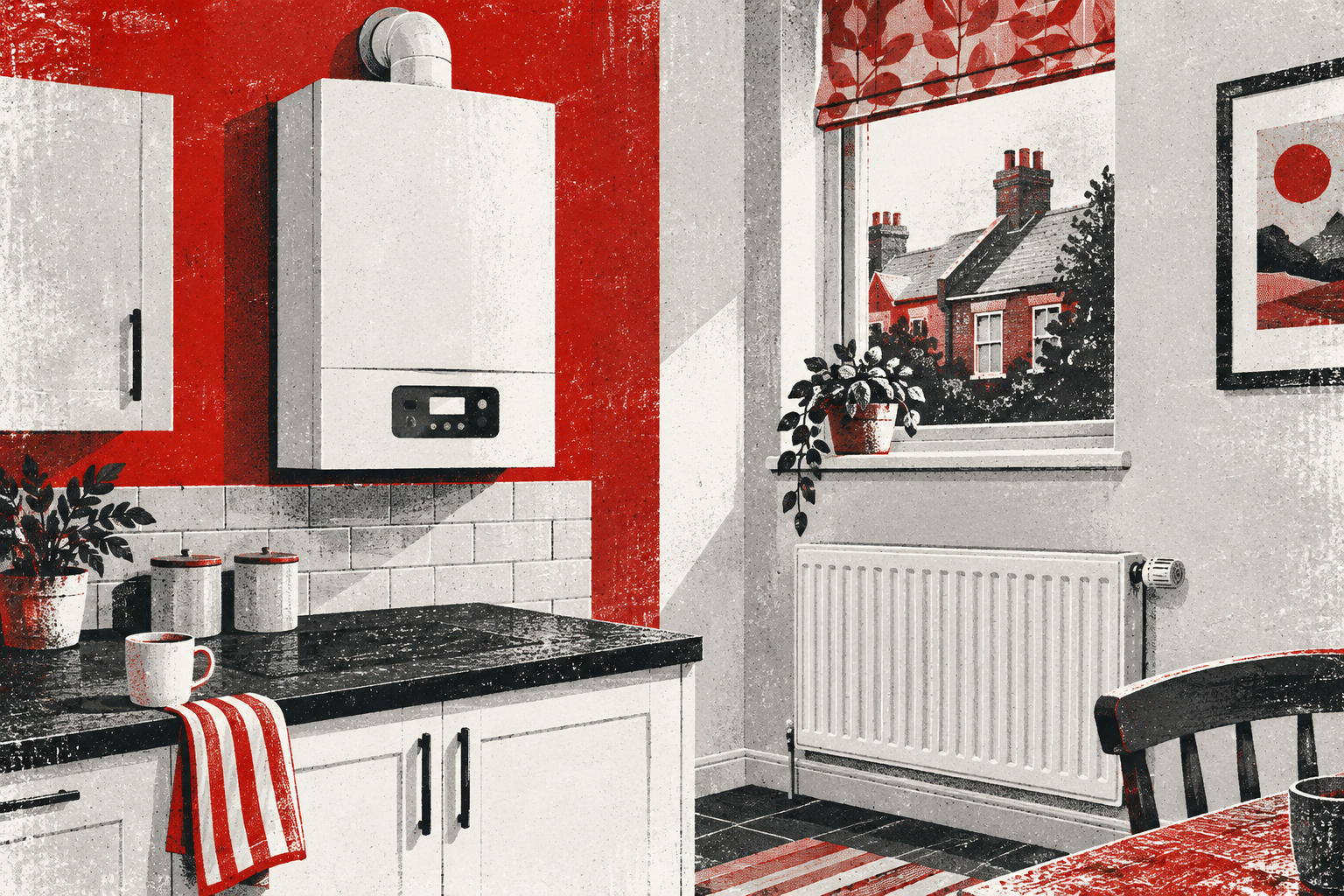
Why does the boiler display stay on when the heating is off?
A boiler display can remain lit or continue showing a temperature when the central heating is off. That usually means the appliance still has electrical power and is waiting in standby—not that the burner is heating the radiators continuously.
Check the flame or burner symbol, the operating mode and any message on the screen. Displays vary considerably, so use the user guide for the exact boiler model rather than assuming that every illuminated screen means the same thing.
The short answer
“Heating off” normally means there is no current request from the timer or room thermostat. The boiler may still need power for hot water, its controls, frost protection and other automatic functions. Many models therefore keep some information visible while waiting for the next demand.
If radiators are cold and there is no flame symbol, pump noise or rising temperature, a lit display alone is usually not evidence that gas is being used. A fault code, repeated firing, unexpected hot radiators or a screen that behaves differently from the manual deserves further investigation.
Standby is different from being disconnected
A boiler in standby is powered but not actively heating. Worcester Bosch operating instructions describe a standby display when there is no central-heating or hot-water demand, while Ideal user guides show a normal “00” standby condition on some models.
That is different from switching off the boiler’s electrical supply. Do not routinely isolate power just to make the screen go dark. Power may be needed for built-in protection functions, and the correct approach depends on the appliance instructions and the season.
Look for the burner symbol
On many modern boilers, a flame or burner symbol appears when the burner is actually alight. A temperature number without that symbol may simply be the temperature inside the appliance or a target setting.
Watch the panel during one normal heating cycle. Note what appears when the thermostat asks for heat, what changes when the burner stops and what remains during standby. This gives you a useful comparison without repeatedly operating the controls.
Hot water may still be available
On a combi boiler, turning off central heating does not necessarily turn off domestic hot water. The boiler remains ready to respond when a hot tap opens, so the display and controls stay powered.
Some combi boilers also have a hot-water preheat or comfort function. Worcester Bosch explains that preheat can make the boiler fire briefly without an active tap or heating demand so that hot water reaches the tap sooner. The exact symbol and setting vary by model.
The boiler may be protecting itself from frost
Some appliances can run a frost-protection routine when their internal temperature becomes very low. Ideal user guidance, for example, shows a specific frost-protection display on some Logic models.
This protection is for the boiler and does not necessarily protect every pipe in the home. If the property will be empty in freezing weather, follow the boiler and heating-control instructions rather than relying on the front display alone.
The pump can continue briefly after the flame stops
A short period of pump operation after a heating demand can be normal. It moves remaining heat away from the boiler. During that time the display may stay active even though the flame has gone out.
Record how long the sound continues. A brief, repeatable run-on is different from a pump or fan that seems to operate for hours, starts constantly or accompanies a fault code.
Check the timer, thermostat and boiler mode
There can be several layers of control: the boiler mode, a programmer, a room thermostat and sometimes an app. One may show heating as off while another is requesting hot water or frost protection.
Check the current time and mode on ordinary user controls. Look for “on”, “auto”, “off”, “advance”, a tap symbol or a flame symbol. Do not enter installer menus or change technical settings. If the labels are unclear, find the exact user guide using the full model name.
Does a lit screen use much electricity?
The display itself uses a small amount of electricity, but the screen does not tell you how much energy the whole appliance is using. The significant distinction is whether the burner, pump, fan or hot-water preheat is operating.
Do not estimate gas use from screen brightness. If energy use appears unusually high, compare meter readings over a sensible period and check whether heating, hot-water preheat or another control is calling unexpectedly.
When the display points to a problem
Arrange professional advice if the screen shows a persistent fault or lockout code, repeatedly goes blank and restarts, becomes unusually hot, or is accompanied by a burning smell, electrical trip or water near the appliance. Stop using the boiler if you suspect it is unsafe.
Also investigate if radiators heat when all user controls are off, the burner runs almost continuously, or the boiler repeatedly starts and stops without an obvious demand. Keep the casing closed and give the engineer the model, display message and timing.
Safe checks at a glance
- Confirm whether only the heating is off or the whole appliance is in off mode.
- Look for a flame symbol, tap symbol, temperature or fault code.
- Check the timer and thermostat using normal user controls.
- Compare the display with the exact boiler user guide.
- Record unexpected firing, hot radiators, noise or electrical symptoms.
- Do not remove the casing or enter installer settings.
Related Incredaboil guidance
If the display started behaving differently after interrupted electricity, read our guide to boiler timers after a power cut. If the screen repeatedly goes completely blank and returns, treat that as a different symptom from an ordinary standby display.
Display showing more than standby?
If there is a fault code or unexpected heating, see the repair route.